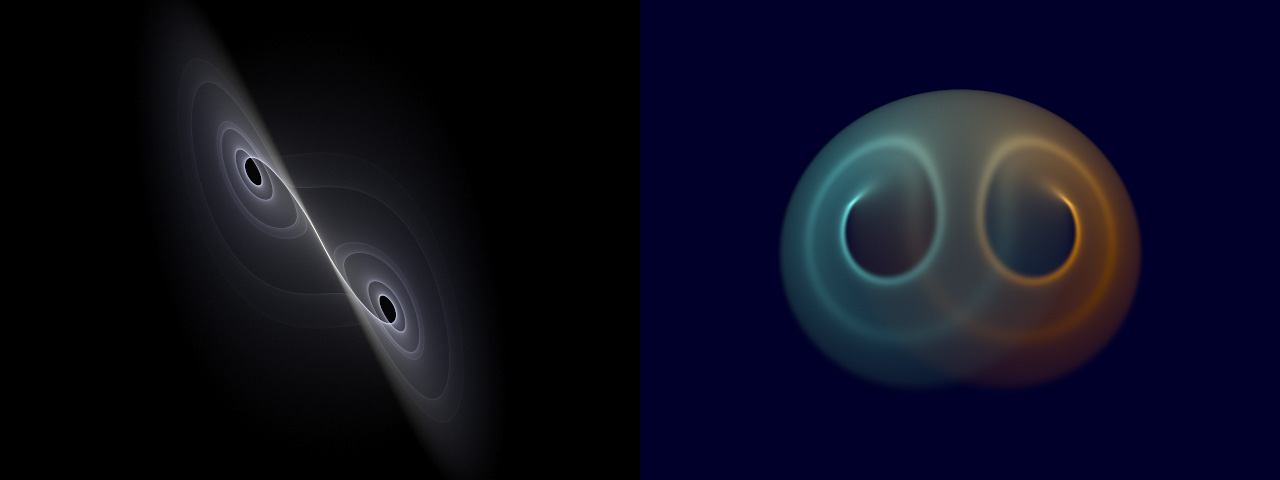
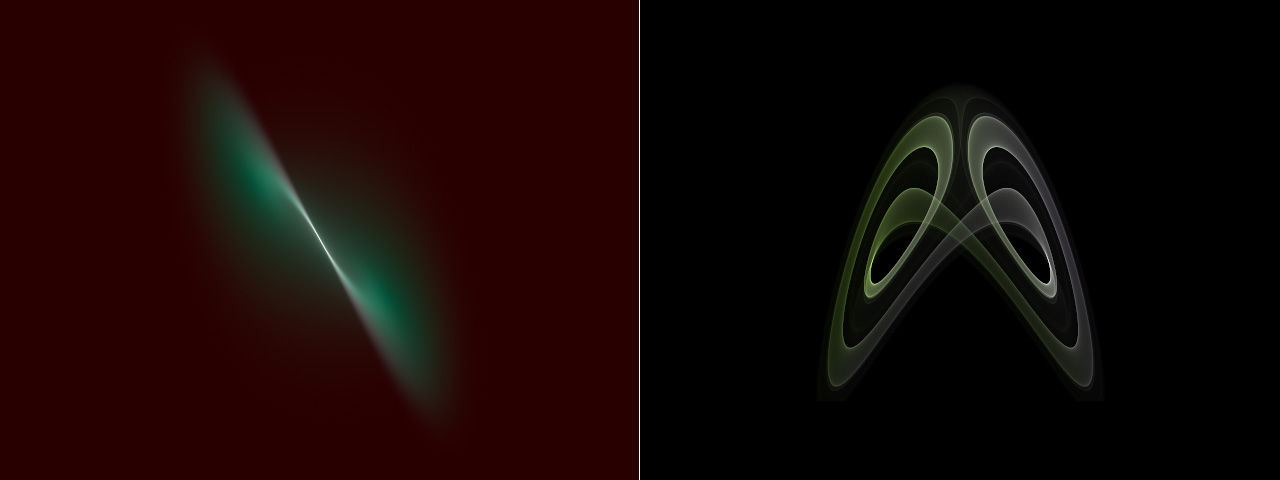
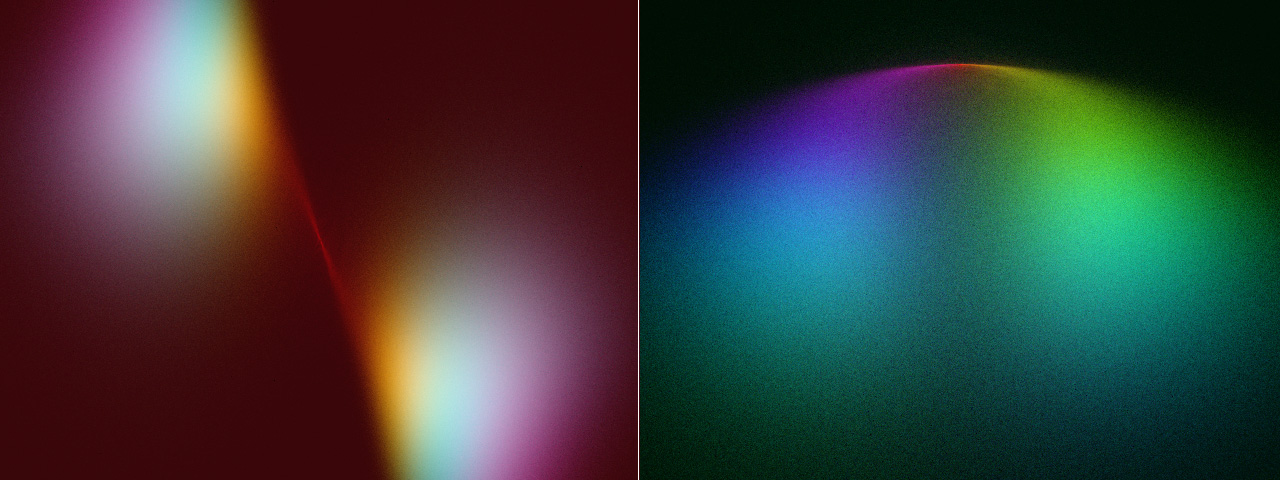
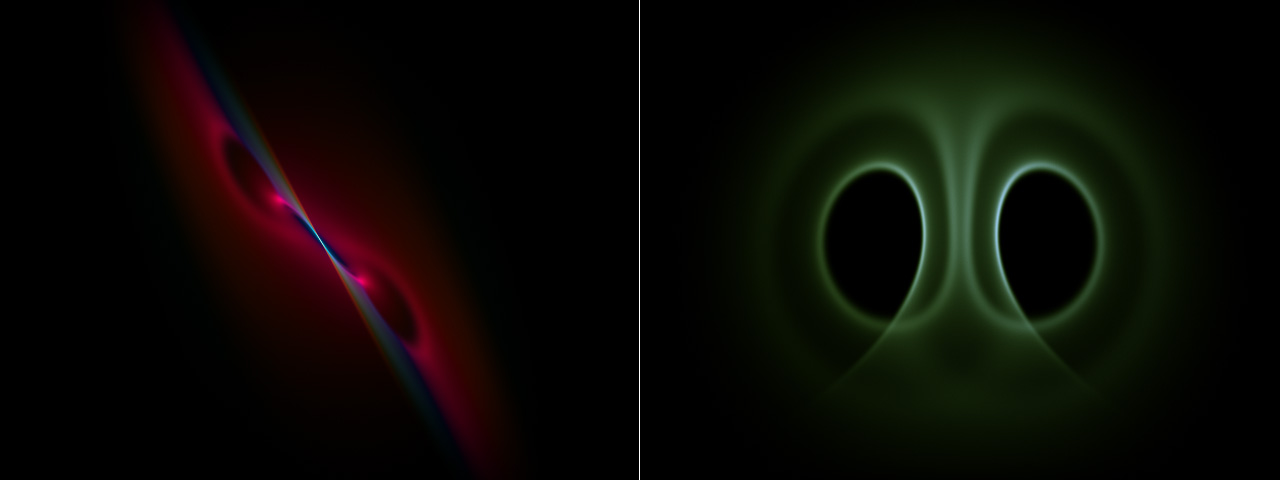
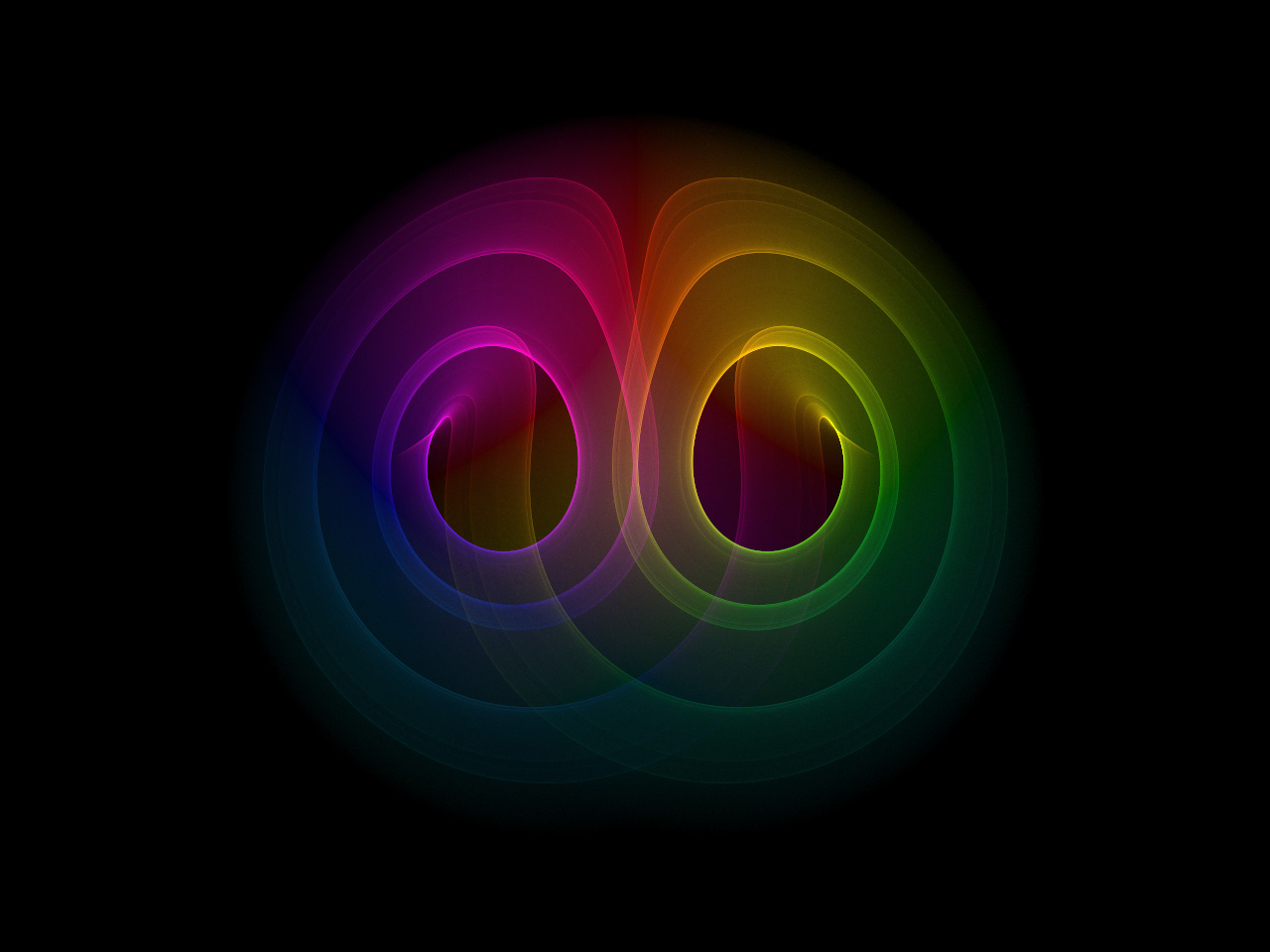
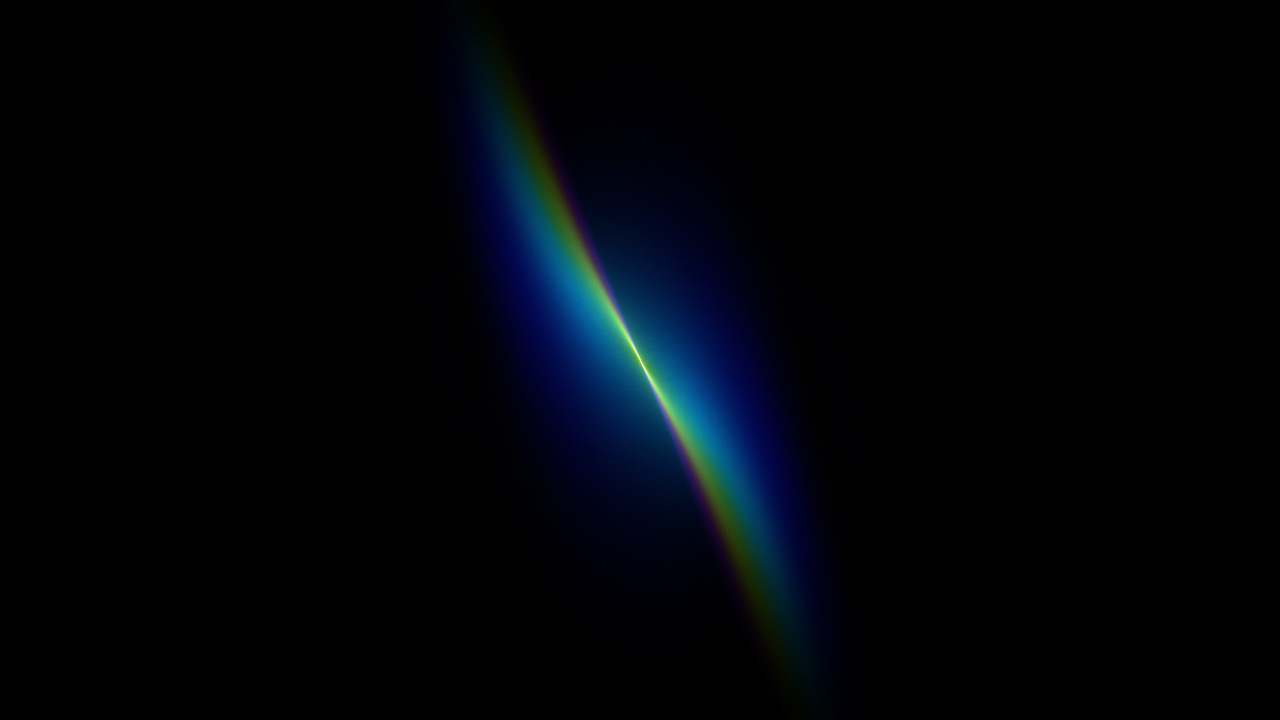
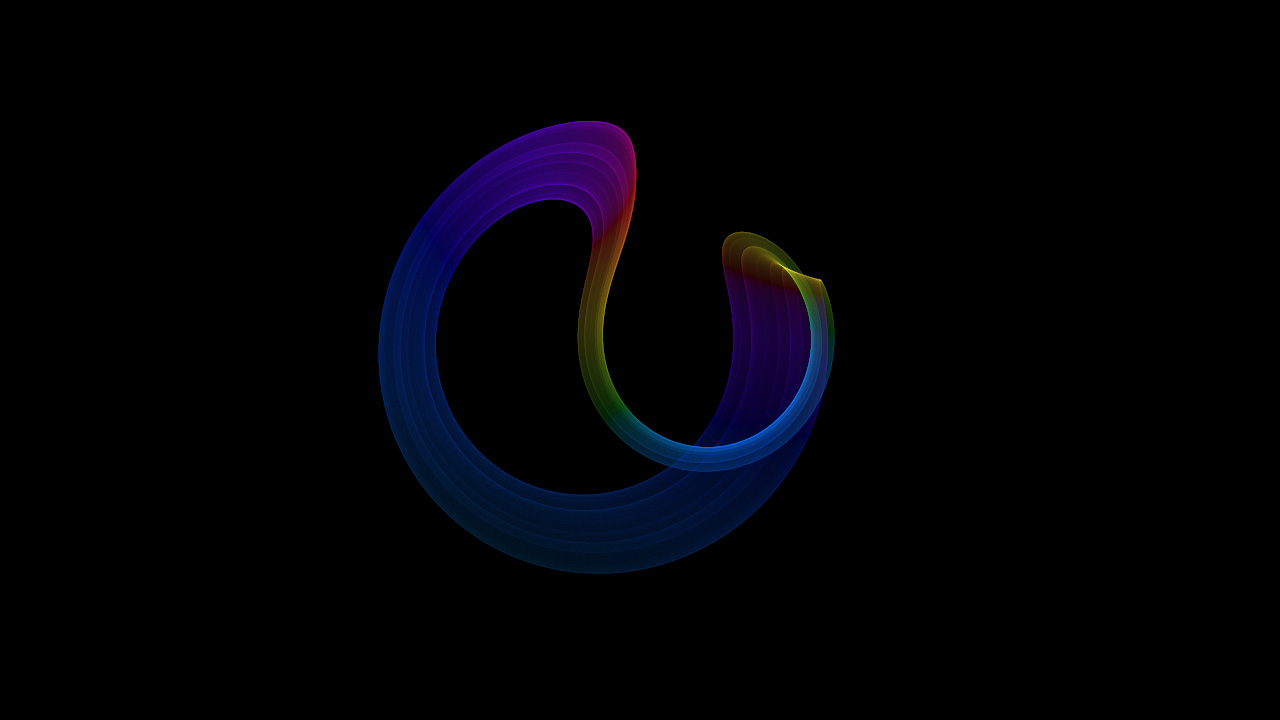
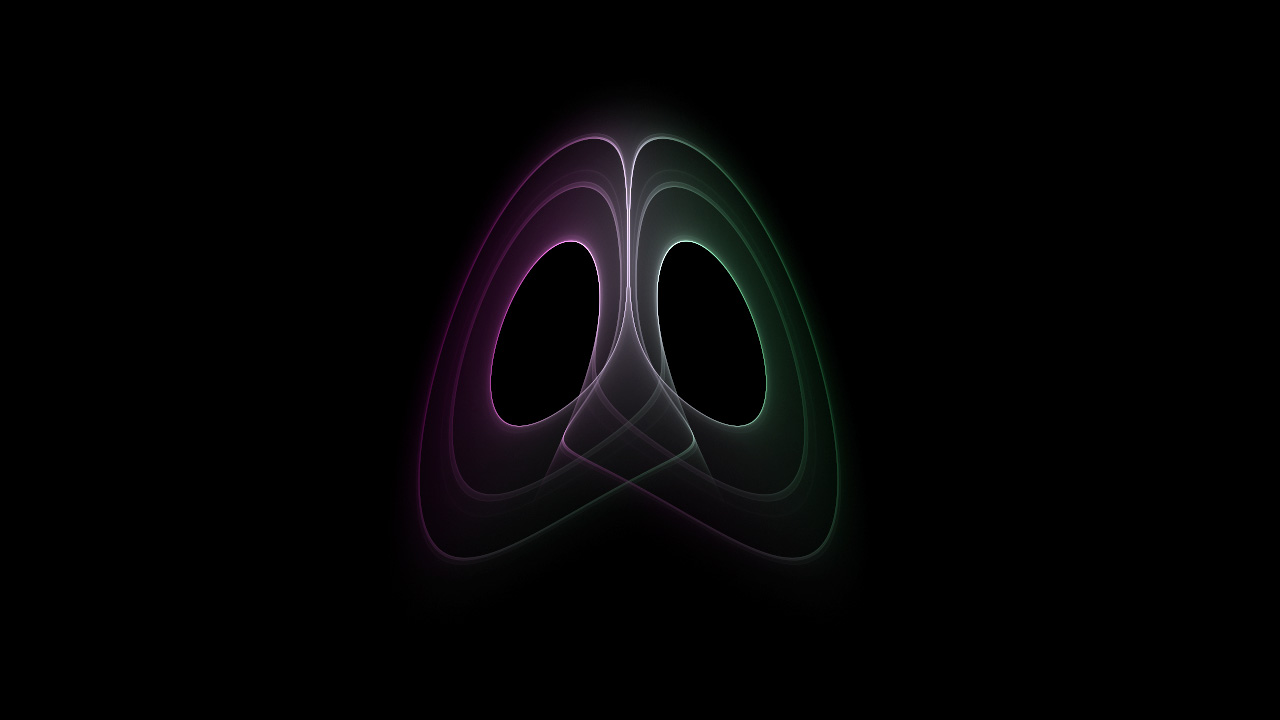
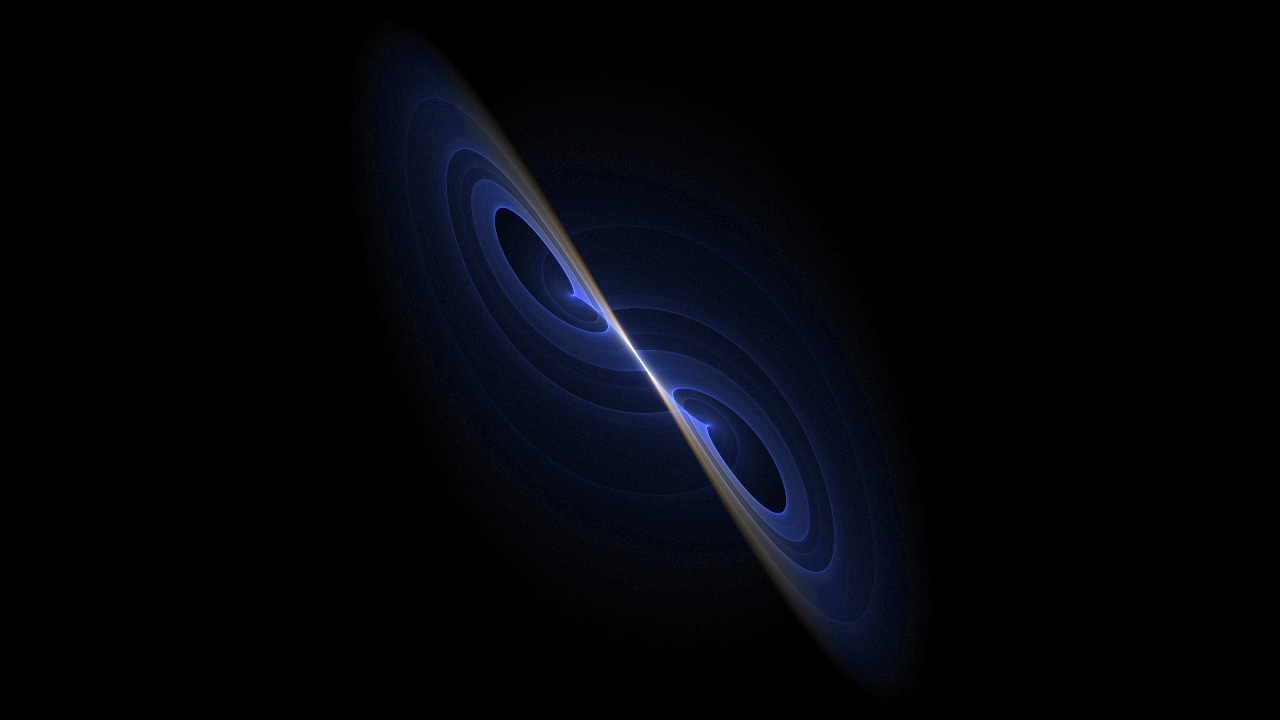
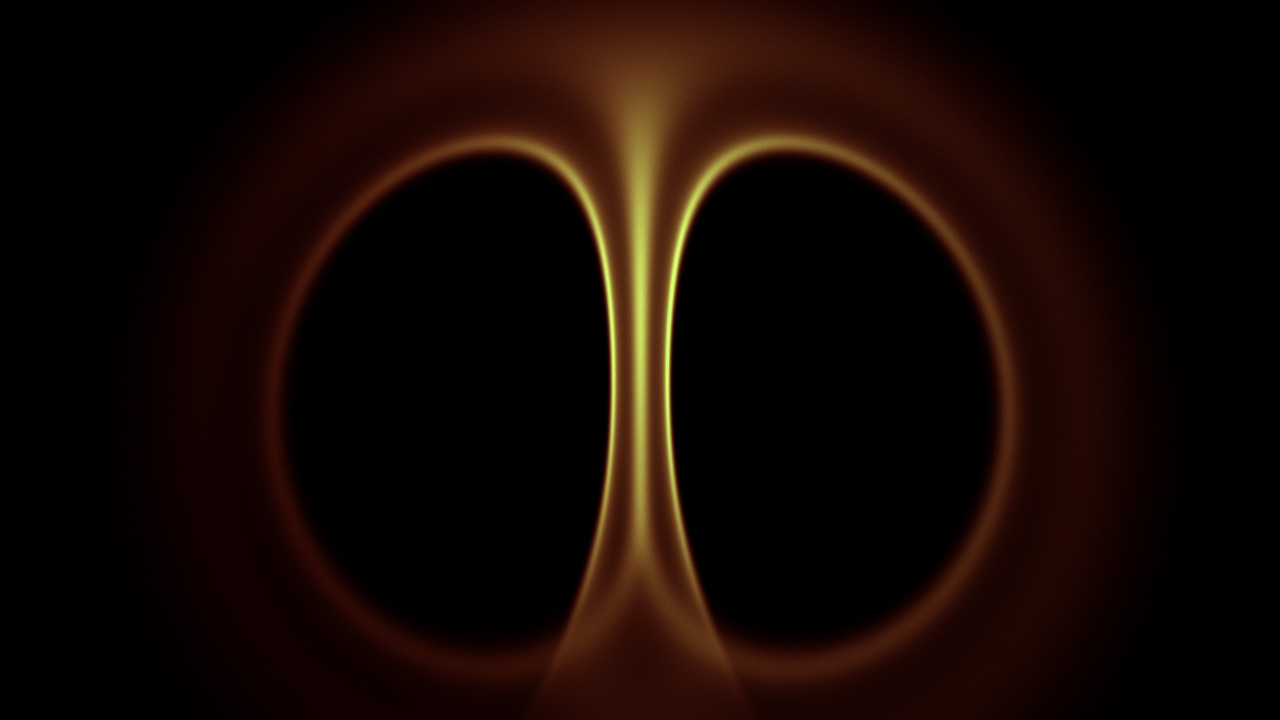
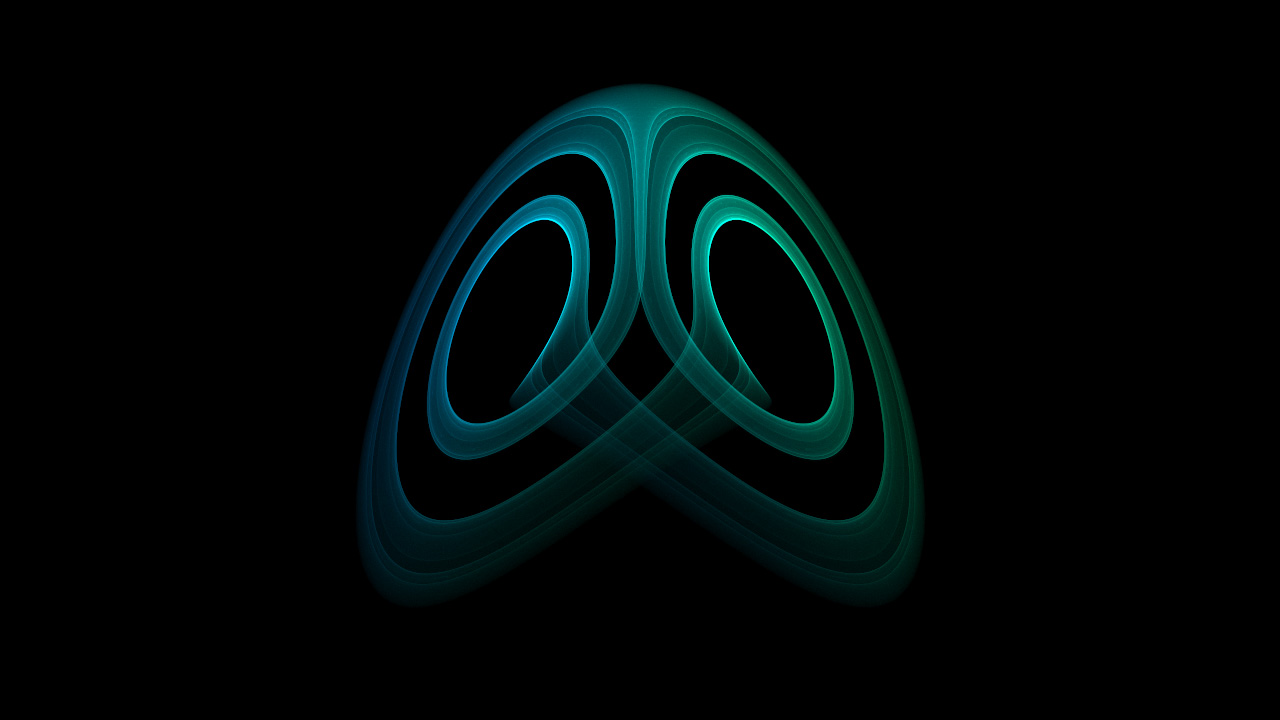
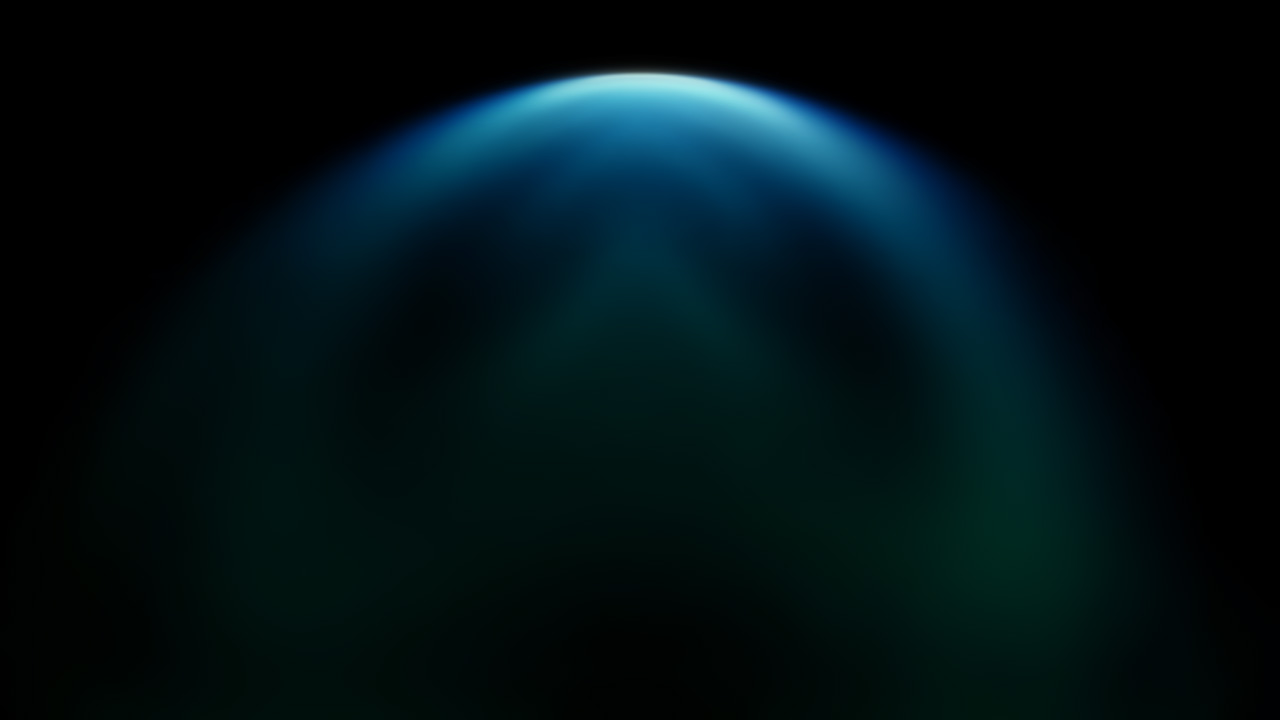
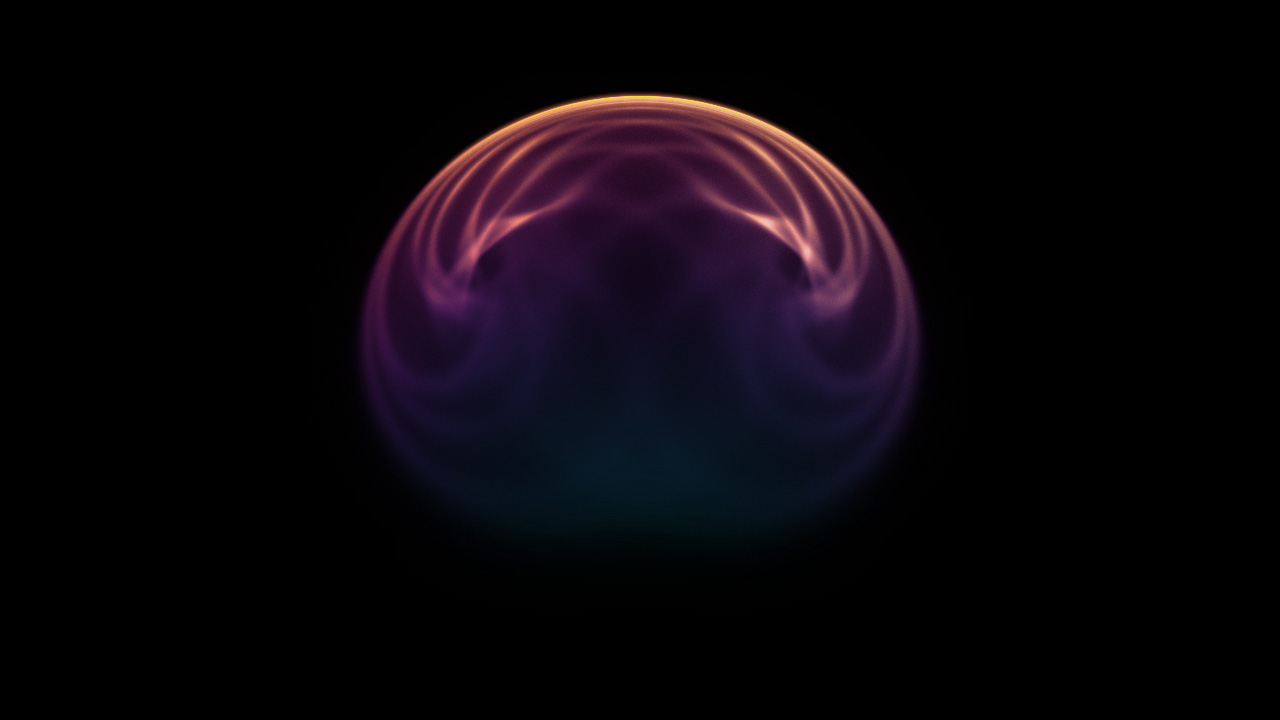
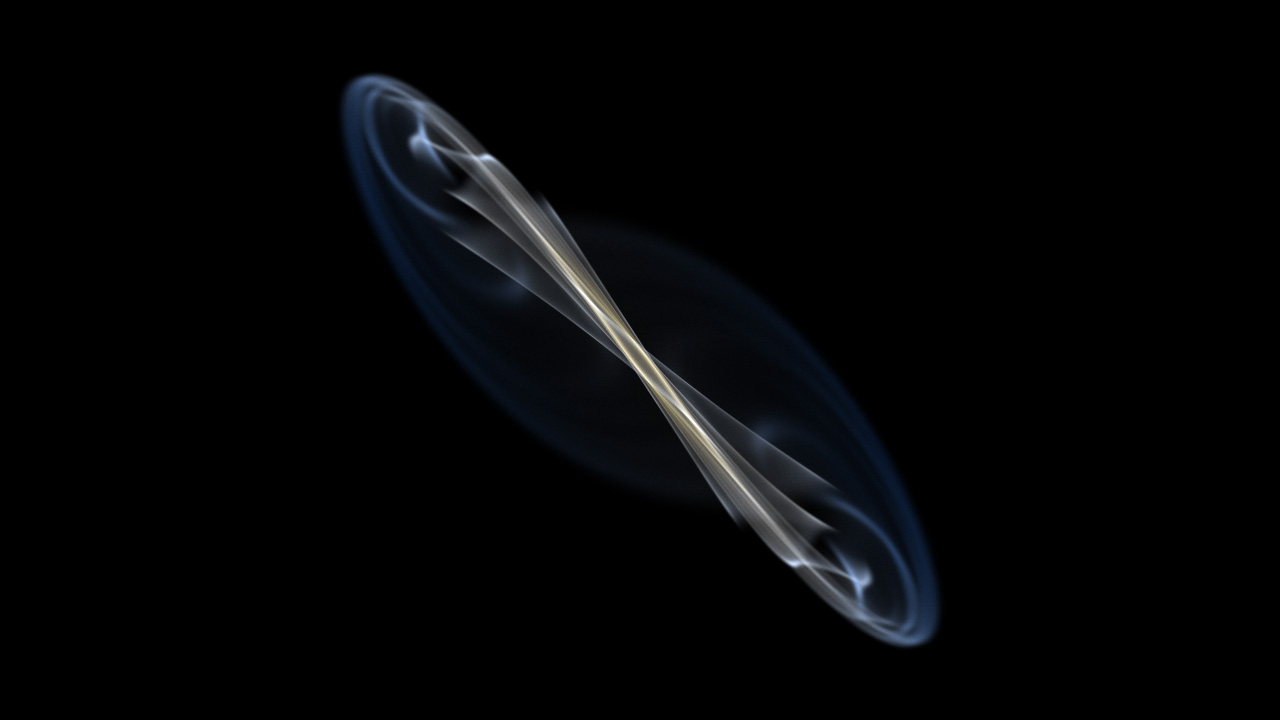
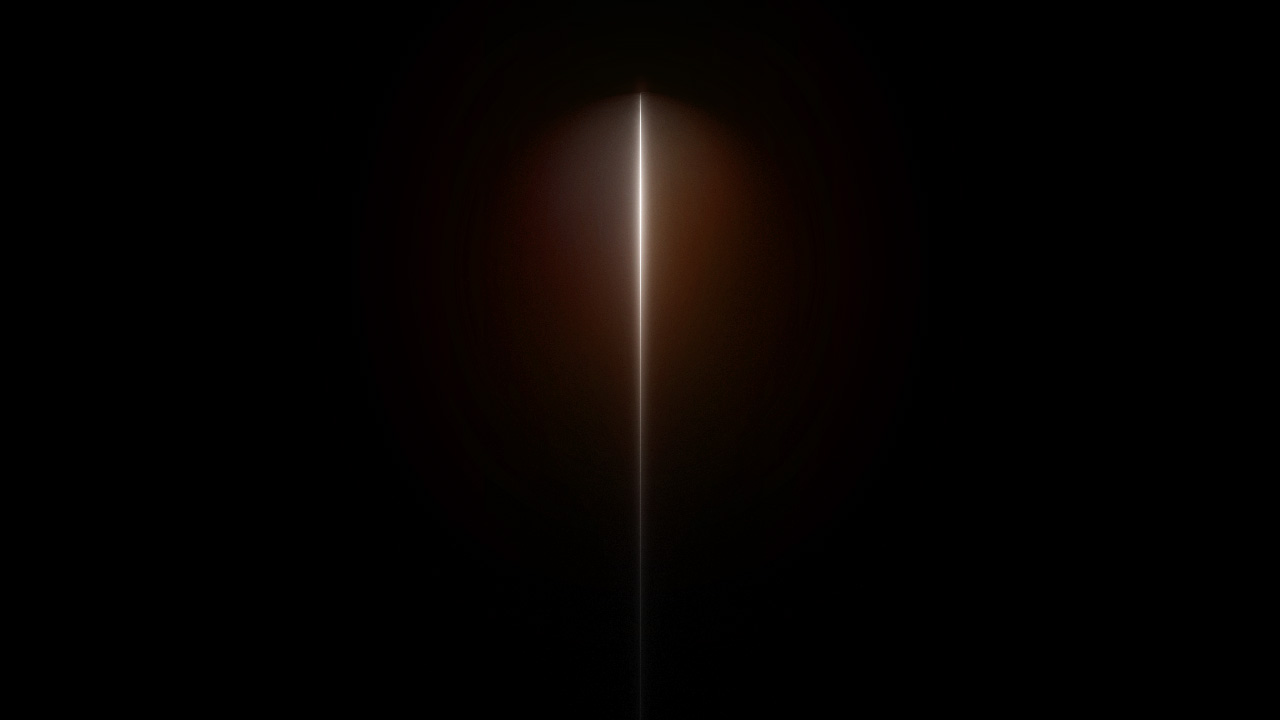
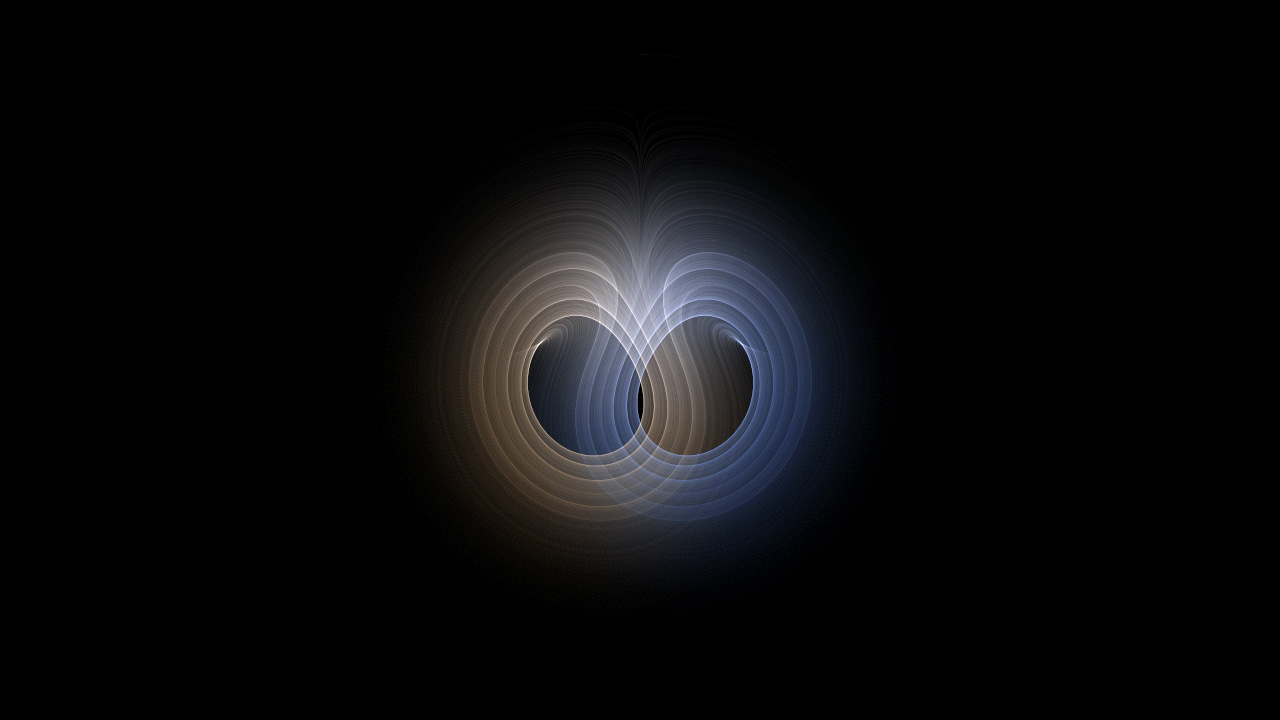
The Lorenz Attractor plugin for Adobe Photoshop is a powerful, full-feature, Lorenz fractal generation plugin. The Lorenz Attractor is a system of differential equations first studied by Edward Lorenz that is notable for having chaotic solutions under certain parametric values. It is a set of chaotic solutions which, when plotted, resemble a butterfly or figure eight.
Lorenz Attractor is quite complex and can be used to create a variety of generative art for various means including graphic design, motion graphics and illustration.
This implementation of the Lorenz Attractor has been based on the brilliant work of Paul Bourke. It features an iteration slider with independent iteration multipliers for both preview and final renders. It provides the four essential coefficients at the user’s fingertips combined with image control features such as brightness and gamma.
Lorenz Attractor offers the ability to plot the attractor on various axis such as XY, XZ and YZ. Additionally, the user can specify the color density mapping and select from linear, square root or logarithmic, each of which brings out details in the attractor which may not have been previously visible.
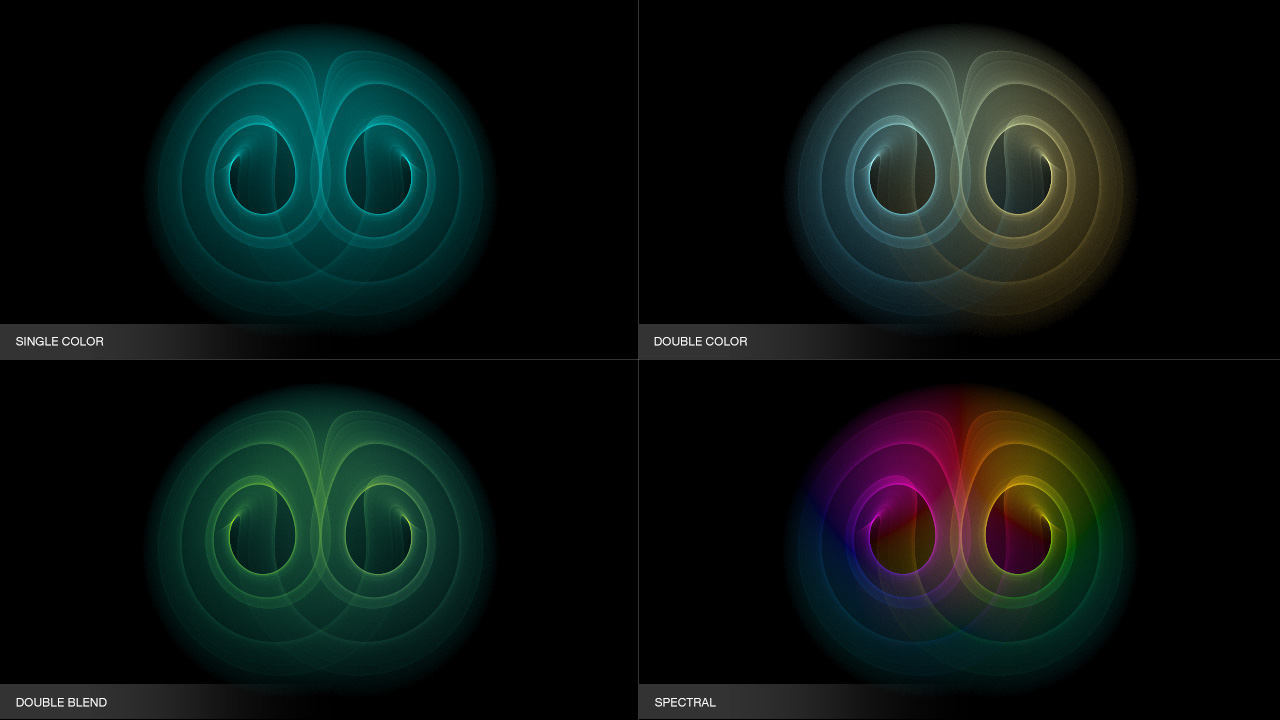
Lorenz Attractor provides four different coloring modes such as single color, double color, double blend and spectral for producing vivid and striking attractors.
Lorenz Attractor is 100% multi-threaded capable of using an unlimited number of cores for ultimate speed.
Lorenz Attractor supports both 8 bits / channel and 16 bits / channel color modes for professional workflows.
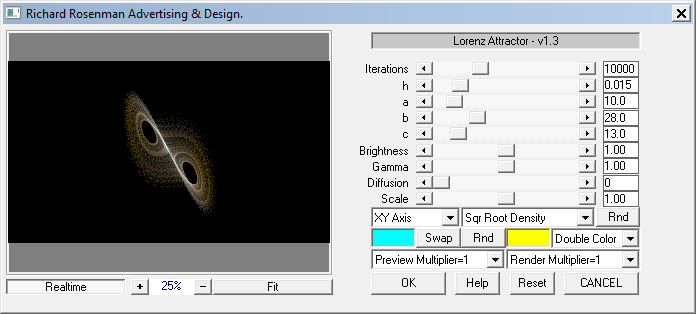
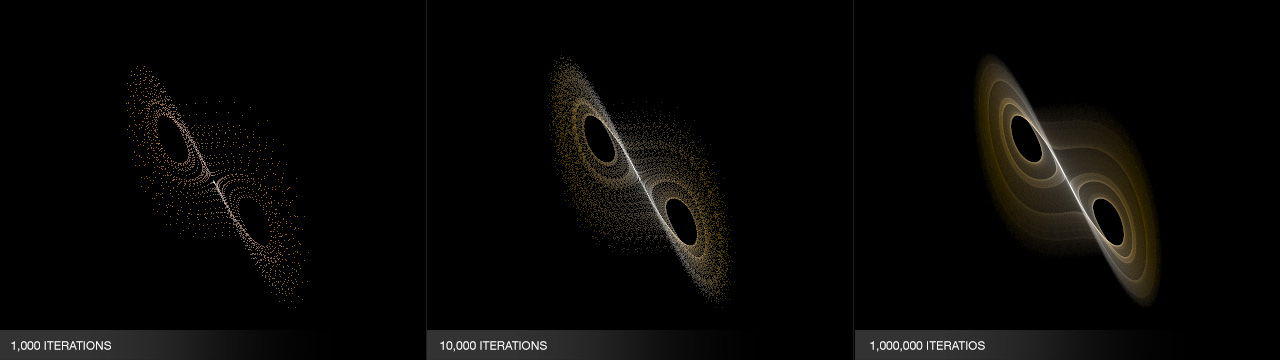
Iterations: Defines the maximum number of samples to compute. The more samples thrown at the image, the more refined the fractal will be but the longer the computation will take. Using the iteration multipliers, you can provide different quality renders between your preview and final render.
h,a,b,c: Adjusts the four main coefficients that define the attractor shape.
Brightness: Adjusts the brightness of the attractor.
Gamma: Adjusts the gamma of the attractor.
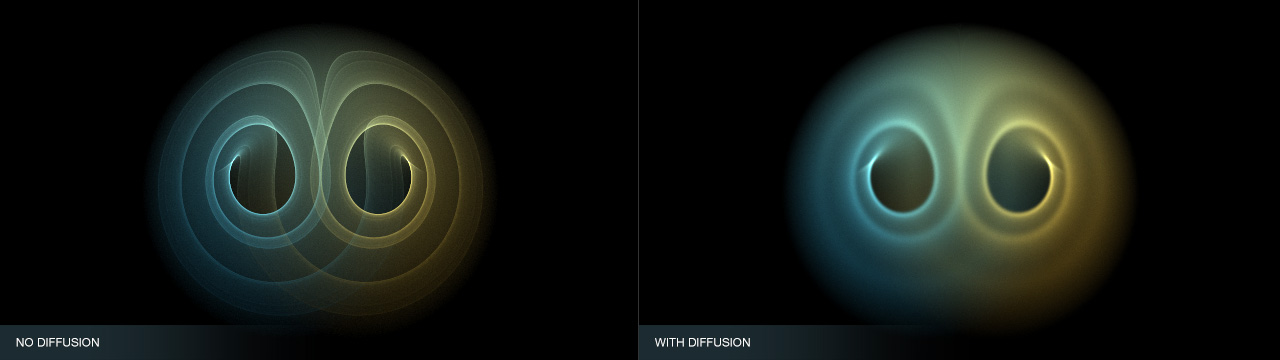
Diffusion: Controls the diffusion of the attractor.
Scale: Adjusts the size of the attractor.
Axis: Specifies which axis to plot the attractor on.
Coloring Density: Specifies the color mapping mode. Each of the modes may reveal different parts of the attractor that may not have been previously visible.
Rnd: Randomizes the coefficients and generates a new fractal.
Color A: Defines attractor color A.
Swap: Interchanges color A with color B.
Rnd: Generates random attractor colors.
Color B: Defines attractor color B.
Coloring Mode: Specifies the coloring mode. Single color uses color A. Double color uses color A & B. Double blend maps color A to the brighter areas and color B to the darker ones. Spectral uses the full color spectrum.
Preview / Render Multipliers: Allows iteration multipliers for high resolution renders.
Changelog
- v1.0 – First release.
- v1.2 – 64 bit release.
- v1.2 – 16 bits / channel color support.
- v1.3 – Cleaned up help information.
Installing this software is easy and only requires three simple steps:
1 – Download the software by clicking on the Download Demo button located above on the software page. This will prompt you to save a .zip file on your computer.
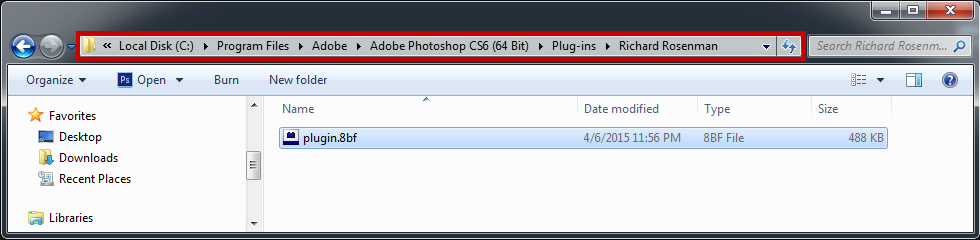
2 – Extract the contents from the .zip file and place the .8bf file into your host’s plugin folder. For instance, to install for Adobe Photoshop CS6, place the .8bf file into the location shown below. You can make a sub-folder to keep your plugins organized, such as the one below. Please make sure 64 bit plugins such as these are placed in the corresponding 64 bit Adobe Photoshop plugin folder.
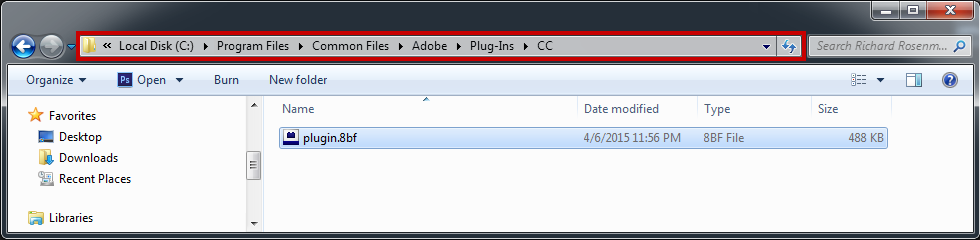
If you’re using Photoshop CC (eg. version 2013 – 2019 or later), your Photoshop plug-ins are stored in a folder shared between all Photoshop CC versions shown below.
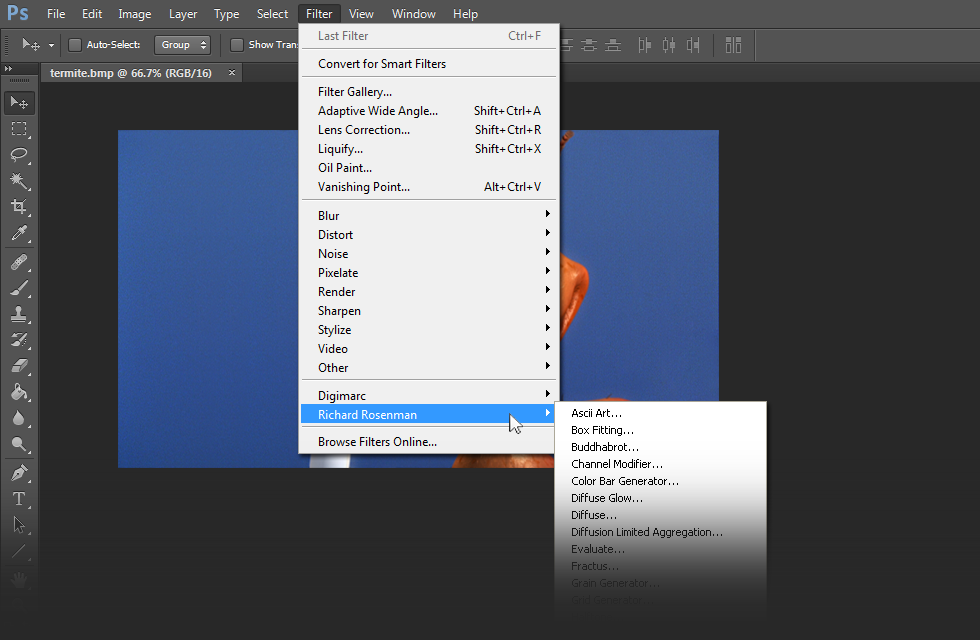
3 – Launch Adobe Photoshop, open an image and click on Filter > Richard Rosenman > Filter Name. If the filter is grayed out, it may not support your current image color depth.
If you have purchased a commercial license, please review the activation section.
This software is compatible with the following OS:
- Windows 11 Home 64 bit
- Windows 11 Pro 64 bit
- Windows 11 Enterprise 64 bit
- Windows 11 Education 64 bit
- Windows 10 Home 64 bit
- Windows 10 Pro 64 bit
- Windows 10 Enterprise 64 bit
- Windows 10 Education 64 bit
- Windows 8 64 bit
- Windows 8 Pro 64 bit
- Windows 8 Enterprise 64 bit
- Windows 7 Home Basic 64 bit
- Windows 7 Home Premium 64 bit
- Windows 7 Professional 64 bit
- Windows 7 Enterprise 64 bit
- Windows 7 Ultimate 64 bit
- Windows Vista Home Premium 64 bit
- Windows Vista Business 64 bit
- Windows Vista Enterprise 64 bit
- Windows Vista Ultimate 64 bit
- Windows XP 64 bit
- Windows XP Professional 64 bit
This software is compatible with the following hosts:
- Any host capable of running Adobe Photoshop 64 bit compliant plugins
- Adobe Photoshop (Version CS5 or higher, including CC) 64 bit
- Adobe Photoshop Elements (Version 13 or higher, including CC) 64 bit
- Adobe Illustrator (Version CS6 or higher, including CC) 64 bit
- Computerinsel Photoline 64 (Version 16 or higher) 64 bit
- CorelDRAW (Version X6 or higher) 64 bit
- Corel Painter (Version 12.1 or higher) 64 bit
- Corel Paint Shop Pro (Version X6 or higher) 64 bit
- Corel Photo-Paint (Version X6 or higher) 64 bit
- Paint.NET (with the PSFilterPdn plugin) 64 bit
- Serif PhotoPlus (Version X6 or higher) 64 bit
This software is not compatible with Mac OS