
Elevating Your Motion Graphics: A Deep Dive into Richard Rosenman’s After Effects Plugins
The world of visual effects and motion graphics is defined by the constant push for greater realism, faster workflows, and boundary-pushing creativity. Producing high-end 3D animation, polished corporate motion graphics, and cinematic visual effects for global heavyweights requires an incredible amount of technical precision. Behind many glossy renders and seamless animations lies a secret weapon: custom-built software that bridges the gap between artistic vision and technical limitations.
Richard Rosenman, an industry-veteran director, digital artist, and programmer, doesn’t just create stunning visual content – he codes the very tools used to make it. Distributed under his namesake software brand, Richard Rosenman Advertising & Design, these proprietary After Effects plugins are born directly from the trenches of high-end commercial production. They are crafted to solve real-world bottlenecks encountered during the creation of top-tier advertising campaigns, broadcast designs, and complex 3D visualizations.
In this article, we will summarize the standout After Effects plugins developed by Richard Rosenman Advertising & Design, explore the deep technical mechanics of how they work, and explain exactly why they are considered some of the absolute best additions you can make to your Adobe After Effects toolkit.
Brief Outline
- Introduction: From Production Trenches to Plugin Development
- How real-world commercial production drives the need for custom plugin development.
- Summary of Core After Effects Plugins
- DOF PRO: The industry standard for photorealistic depth of field post-processing.
- IK Studio: A blazing-fast inverse kinematics solver for character rigging.
- Motion Mosaic: Generating time-shifted, tile-based mosaics.
- Particle Projection: Generative 3D particle arrays driven by luminance.
- Workflow Utilities and Add-ons
- Exploring supplementary tools like Box Fitting and Lens Corrector PRO.
- Why These Are Among the Best Plugins to Have
- Built for artists by artists based on commercial deadlines.
- Unmatched speed and multithreading capabilities.
- Bridging the gap between 3D rendering and 2D compositing.
- Unique generative and mathematical capabilities.
- Conclusion
- Final thoughts on integrating these tools into your post-production pipeline.
From Production Trenches to Plugin Development
Before diving into the software itself, it is crucial to understand the ecosystem in which these tools were forged. Working in the high-end commercial motion graphics and VFX industry requires immense flexibility. Client demands can range from photorealistic automotive renders and dynamic character animations to complex medical visualizations and stylized broadcast designs.
Often, the out-of-the-box tools provided by Adobe After Effects or standard 3D rendering engines (like V-Ray, Redshift, or Arnold) are too slow, or they lack the specific optical nuances required for a premium project. When a commercial requires a hyper-realistic macro shot of condensation on a beverage, there simply isn’t time to wait for a 3D engine to render complex depth of field natively.
Instead of settling for compromises, Rosenman developed custom software solutions. The After Effects plugins detailed below aren’t theoretical programming exercises; they are battle-tested tools actively used to create high-end animations under strict broadcast deadlines. This real-world application ensures that every slider, parameter, and rendering algorithm is optimized for the actual, pressing needs of working motion designers and compositors.
Summary of Core After Effects Plugins
Richard Rosenman Advertising & Design’s suite of After Effects plugins focuses primarily on simulating complex optical effects, generative design, and advanced character rigging. Here is a summary of the standout tools in the arsenal.
1. DOF PRO (Depth of Field Generator PRO)
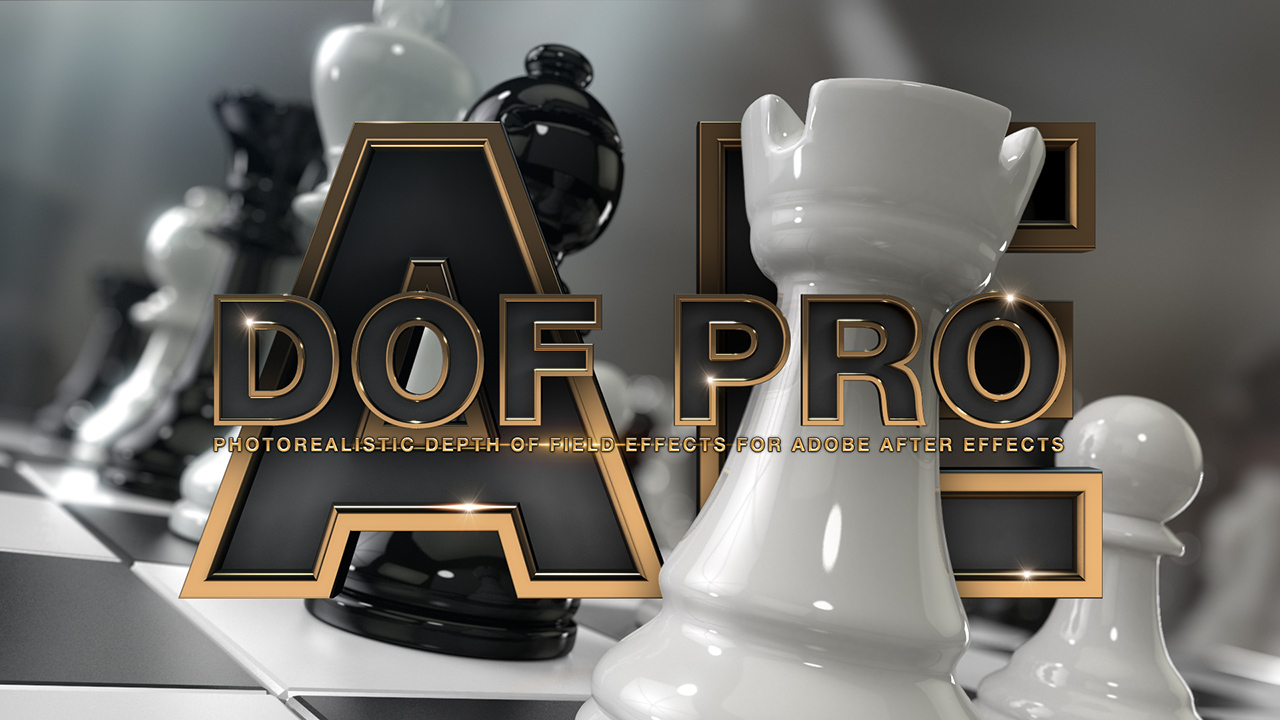
Arguably the crown jewel of Rosenman’s software lineup, DOF PRO is widely considered the undisputed leader in photorealistic depth of field effects. Originally released for Adobe Photoshop over a decade ago and later meticulously rebuilt and optimized for After Effects, this plugin allows compositors to generate complex, cinematic depth of field as a lightning-fast post-process.
In 3D animation, rendering depth of field directly in-camera is notoriously resource-intensive, often adding hours or even days to rendering pipelines. DOF PRO solves this by taking a sharp, completely in-focus 3D render alongside a Z-Depth pass (a grayscale image where brightness represents physical distance from the camera) and computing the optical blur perfectly within After Effects.
But DOF PRO goes far beyond simple Gaussian blurring. It accurately simulates the physics and imperfections of real-world camera lenses. Its expansive feature set includes chromatic and achromatic aberration, focal plane bokeh differentiation, tangential and sagittal astigmatism, and optical vignetting (cat’s eye bokeh). Furthermore, it supports custom aperture maps, allowing you to mimic the specific blade count and shape of vintage or anamorphic lenses. With full 32-bit floating-point color support, it handles the extreme dynamic range of EXR renders without ever clipping bright highlights, maintaining the energy of a glowing reflection or light source. For artists producing photorealistic product visualization or VFX, DOF PRO is an absolute necessity.
2. IK Studio

Character animation natively inside After Effects has historically been a clunky, tedious process, often requiring complex webs of expressions, null objects, and adjustment layers. IK Studio was developed specifically to eliminate this friction. It is a sophisticated Inverse Kinematics (IK) solver designed to facilitate complex character animation without the traditional overhead.
Inverse Kinematics allows an animator to pose a character’s limbs organically. By simply moving a character’s hand or foot, the plugin automatically calculates the natural angles, rotations, and bending of the elbows and knees. While there are other IK tools and scripts on the market, IK Studio stands out because it is a native, C++ programmed, fully multithreaded plugin rather than an expression-heavy script. This architecture makes it blazing fast and fully compatible with After Effects’ Multi-Frame Rendering system. It includes specific presets for rigging arms and legs, limb end caps, and customizable curvature for modern “rubber hose” animation styles. For studios executing quick-turnaround 2D character workflows, native tools like IK Studio make fluid, real-time animation a reality.
3. Motion Mosaic
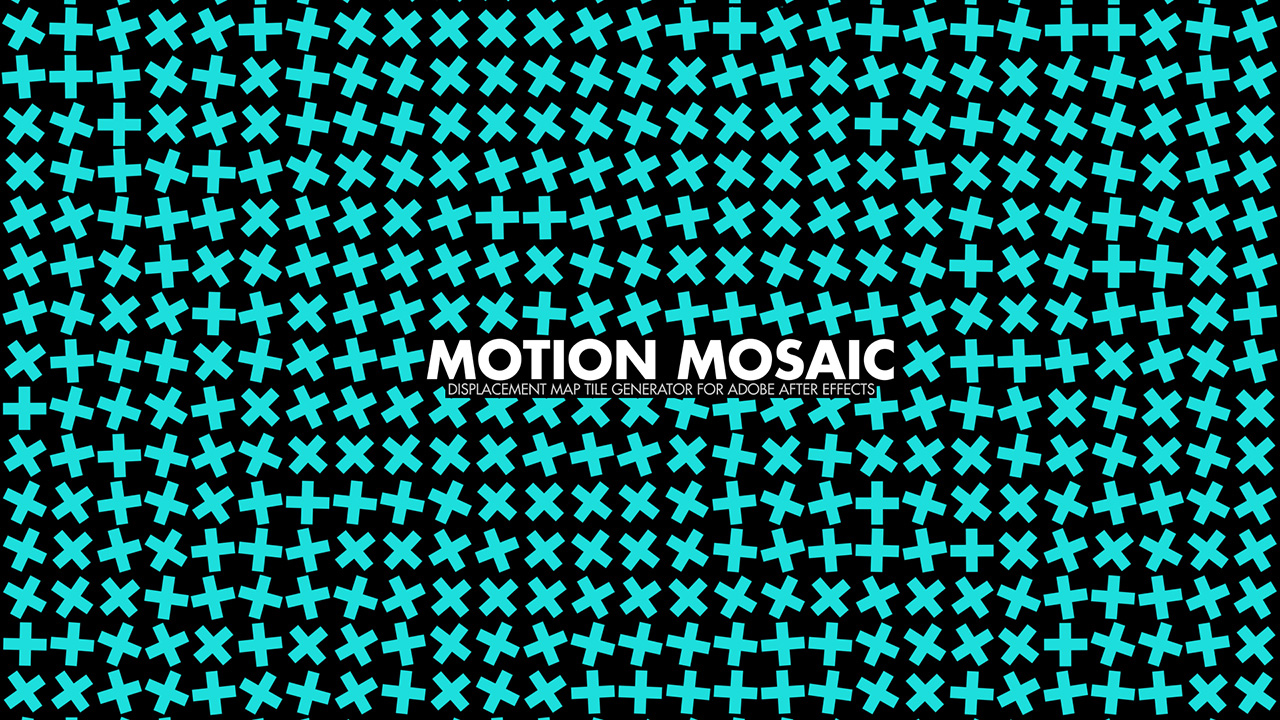
For motion graphics artists looking to create complex, data-driven visuals, Motion Mosaic is a profoundly unique generative tool. It is a complex tile-based plugin that generates spectacular time-based mosaics using a displacement layer.
Instead of simply blurring or distorting an underlying image, Motion Mosaic takes a source icon or pre-comp layer and tiles it across the screen. The magic happens when you feed the plugin a displacement map (like a piece of stock footage or a gradient). The plugin can use the luminance values of that map to rotate, scale, or—most impressively—offset the time of the tiled icon layer. This means you can have thousands of small compositions animating independently on screen, with their animation playback staggered strictly by the brightness of an underlying video. It produces mind-bending generative art, pixelated transition effects, and technical displays that are perfect for tech-industry clients, sci-fi HUDs, or complex broadcast packaging.
4. Particle Projection
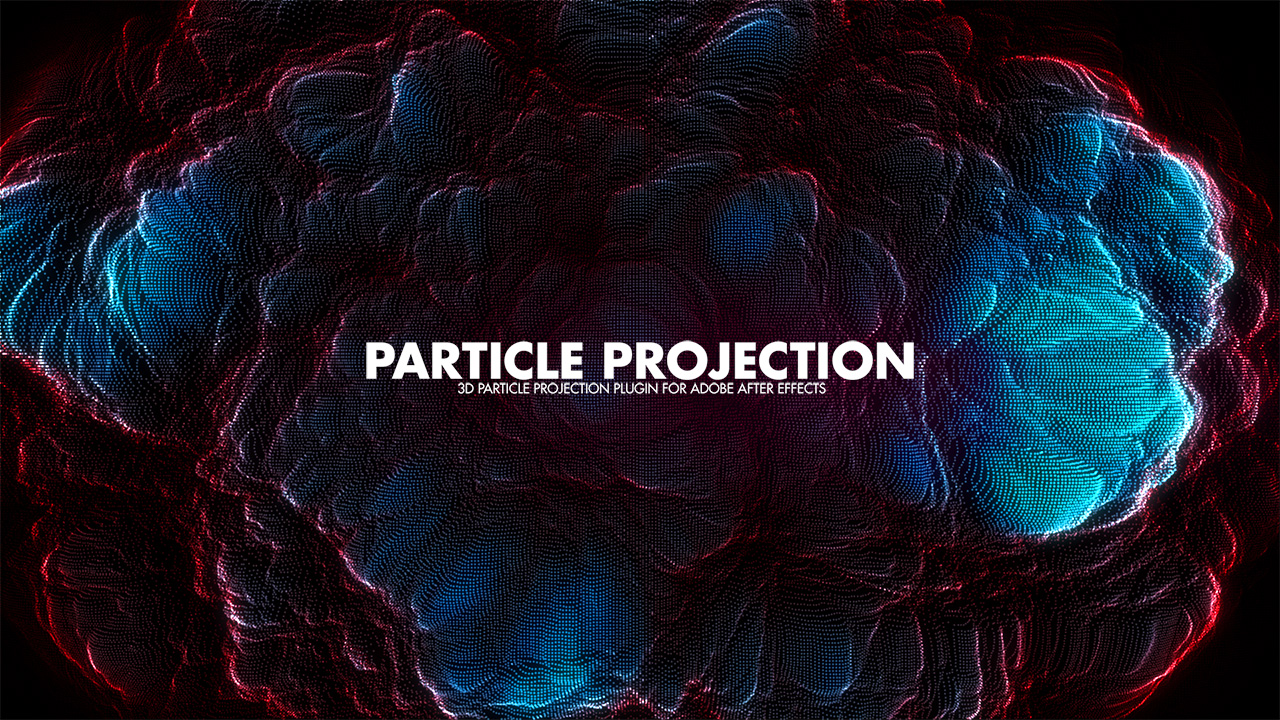
Another heavyweight in the generative design category is Particle Projection. This plugin generates an intricate array of particles in 3D space, heavily influenced by the use of a displacement layer, effectively turning 2D imagery into 3D topography.
By analyzing the brighter and darker pixels of a source video or image, Particle Projection pushes particles closer to or further from the camera. Brighter pixels push the particles further out (or pull them in, depending on your settings), creating stunning topographical maps, digital terrains, and abstract data visualizations out of standard footage. Because it operates within After Effects’ native 3D space, artists can fly a virtual camera through these particle arrays, perfectly integrating generative digital structures into live-action footage or traditional motion graphics scenes.
6. Photoshop Workflow Utilities: Box Fitting, Lattice, and Lens Corrector PRO
Beyond the flagship optical and generative tools, Richard Rosenman Advertising & Design offers an array of workflow utilities that streamline the daily grind of compositing.
- Box Fitting is a remarkably handy utility that automatically helps designers scale, stretch, and fit elements within designated bounding boxes—a godsend for template creation, lower thirds, and automated video pipelines.
- Lattice provides advanced geometric distortion grids for warping graphics, allowing for precise image manipulation without destroying the pixel quality.
- Lens Corrector PRO allows for the mathematically accurate removal or addition of lens distortion. When combining CGI with live-action footage, Lens Corrector PRO ensures that the perfectly straight lines of a 3D render are bowed and distorted to match the exact curvature and imperfections of the physical camera lens used on set.
Why These Are Among the Best After Effects Plugins to Have
With thousands of plugins available on the market – from massive, expensive suites to small, single-use scripts, you might wonder why Richard Rosenman’s tools command such a dedicated following among top-tier motion designers. The answer lies in a combination of high-performance architecture, niche optical specialization, and highly practical design.
Built in the Trenches of Production

The most significant advantage of these plugins is their origin story. Because Rosenman is a commercial director himself, he understands the exact bottlenecks that artists face when up against tight deadlines. The interfaces aren’t cluttered with useless features; they are streamlined to get the exact result required by demanding art directors. This “by artists, for artists” mentality ensures that the feature sets directly address real-world production challenges, allowing users to spend less time fighting their software and more time designing.
Native Code and Blazing Speed
Many tools available for After Effects are scripts or expression-based rigs. While scripts are highly useful, they rely on After Effects’ internal engine to process text commands frame-by-frame, which can quickly bog down a timeline and ruin playback frame rates. Rosenman’s heavy hitters, like IK Studio and DOF PRO, are developed strictly as native plugins. They are heavily optimized, written in C++, and designed to take full advantage of modern multi-core processors. This results in blazing-fast performance, allowing artists to see complex optical effects and character rig updates in real-time. In a professional studio environment where time is literally money, this speed is invaluable.
Bridging 3D and 2D Workflows
The lines between 3D animation and 2D compositing are increasingly blurred in modern motion design. Artists are constantly taking multi-pass renders from 3D software and bringing them into After Effects for the final polish. Rosenman’s plugins act as the perfect bridge between these two worlds. Tools like DOF PRO allow compositors to manipulate the depth of a 3D render with the speed and flexibility of a 2D workflow, completely bypassing the need to re-render in 3D if a client asks for a focal shift. Lens Corrector PRO ensures CGI matches live-action plates seamlessly. By using these plugins, artists can push the final 10% of their project—the cinematic polish—to a level that separates amateur work from high-end, broadcast-quality production.
Unique Generative Capabilities

While many plugins on the market simply recreate standard transitions, glows, or color grades, Richard Rosenman Advertising & Design focuses heavily on unique generative math. The way Motion Mosaic offsets time based on displacement, or how Particle Projection maps geometry via luminance, allows artists to create visuals that would be mathematically impossible or impossibly tedious to animate by hand. These tools empower creators to develop a distinctive, cutting-edge style, offering endless combinations of parameters that result in highly original, mathematically driven abstract art.
Conclusion
A close look at the tools developed by Richard Rosenman Advertising & Design reveals their true potential. They are not merely digital novelties or single-click gimmicks; they are foundational utilities designed to elevate visual effects, streamline character animation, and introduce true cinematic polish to motion graphics.
Whether you are a 3D artist desperate to cut down on render times by faking in-camera blur with DOF PRO, an animator looking for a frictionless rigging workflow with IK Studio, or a motion designer wanting to create intricate, data-driven generative art with Particle Projection and Motion Mosaic, these plugins consistently deliver. By leveraging cutting-edge, native C++ code designed directly from real-world production experience, Richard Rosenman has created a suite of plugins that easily rank among the absolute best investments an After Effects artist can make to future-proof their post-production pipeline. Check out the full collection today.