
Unlocking 3D Generative Art: A Deep Dive into Particle Projection for After Effects
As motion designers and visual effects artists, we are constantly searching for new ways to elevate our work, push creative boundaries, and speed up our rendering pipelines. While native tools offer a solid foundation, specialized software tools are what truly unlock next-level creativity.
If you want to generate stunning, complex, and highly detailed generative arrays directly inside your composition, there is a powerful After Effects plugin designed specifically for this task: Particle Projection by Richard Rosenman Advertising & Design.
Let’s break down what makes this tool a must-have addition to your creative toolkit and how it can transform your workflow.
What is Particle Projection?
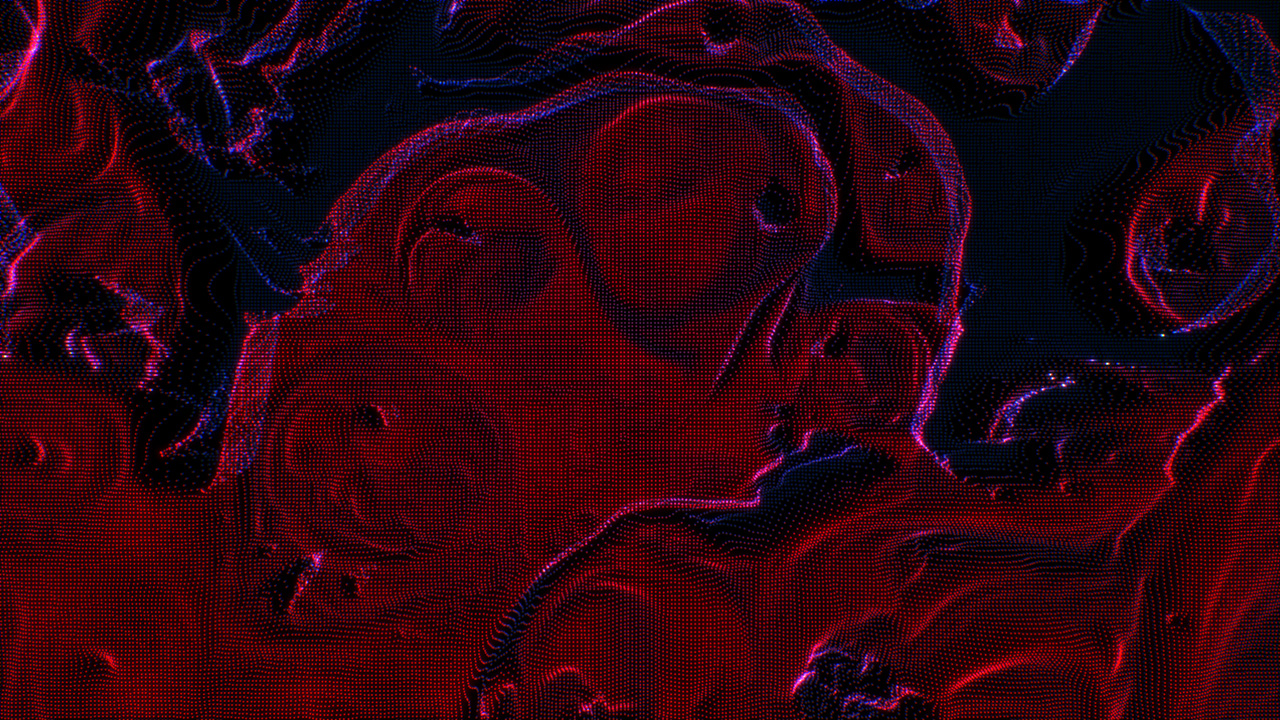
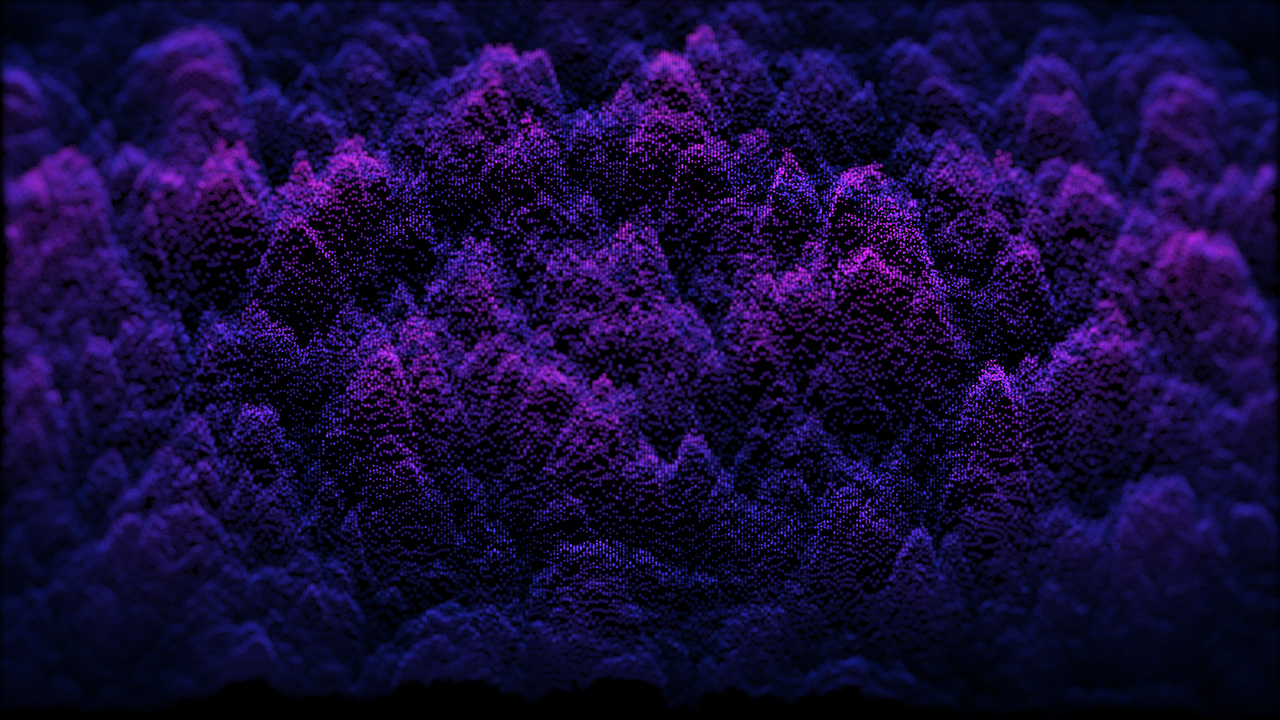
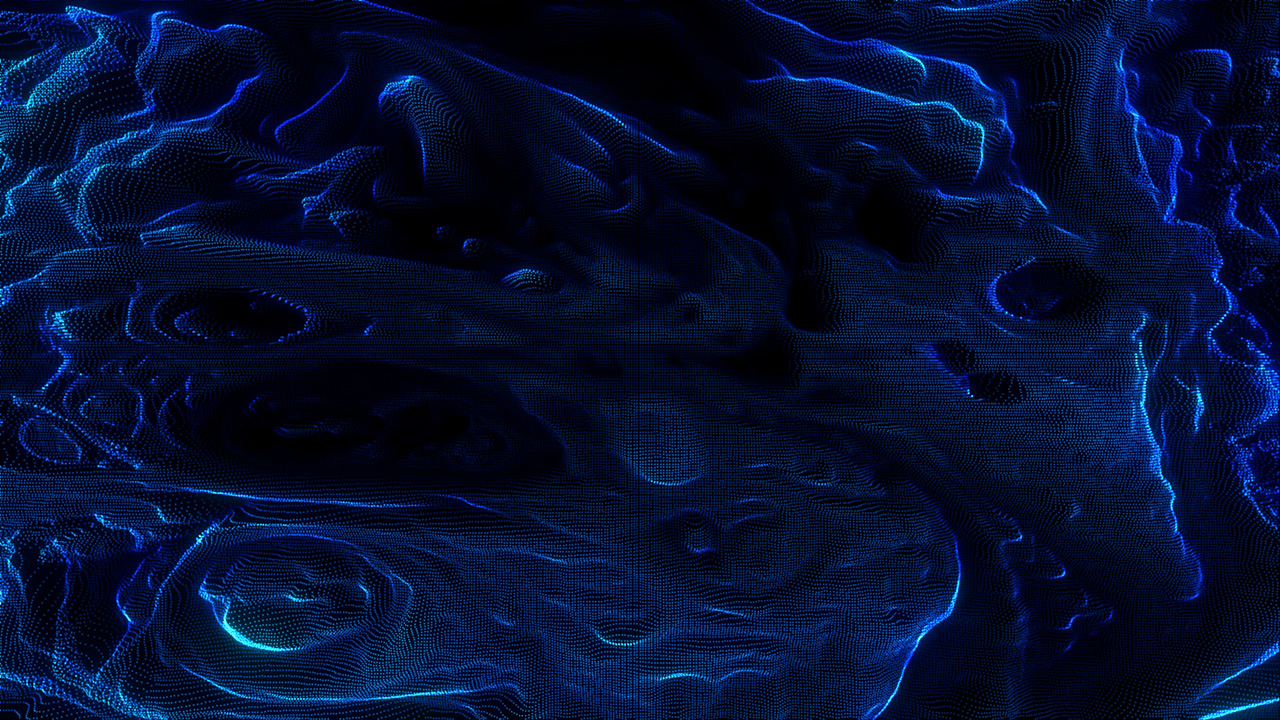
At its core, Particle Projection is a 3D perspective generator that creates intricate arrays of particles for After Effects and animates them based entirely on the luminance (brightness) values of a designated displacement layer.
The concept is beautifully simple but infinitely powerful:
- Brighter pixels push particles further out in 3D perspective.
- Darker pixels keep particles closer to their origin.
By utilizing grey-scale displacement maps—whether from imported footage or built-in generative effects like After Effects’ native Turbulent Noise—you can instantly build complex structural depth, high-tech abstract elements, and stunning ambient backgrounds.
Core Features That Elevate Your Motion Graphics
This After Effects plugin isn’t just about scattering dots on a screen; it provides meticulous, granular control over how those particles behave, blend, and look.
1. Dynamic Attribute Mapping
One of the most robust features of Particle Projection is its ability to map particle attributes directly to your displacement source. Beyond controlling 3D depth, the luminance values can dynamically scale Particle Size, shift Color, and modulate Transparency.
For instance, you can design a setup where brighter areas cause particles to grow larger, shift from one custom color swatch to another, or fade into complete transparency. Better yet, every single mapping control features an inverse option, giving you total artistic freedom over the final render.
2. Additive and Normal Compositing
Achieving that signature high-tech, glowing aesthetic is effortless thanks to built-in compositing modes. Switching from Normal to Additive blending causes overlapping particles to compile their luminosity. The result is a vibrant, self-illuminated look that is perfect for abstract data visualization, sci-fi interfaces, and glowing particle fields.
3. Flexible Color Sourcing
You aren’t restricted to basic color swatches. While you can choose custom color boundaries (Color A and Color B), you can also set the Color Source directly to any imported source image or layer. This allows your particle cloud to inherit the exact color profile of your original footage, creating unified, painterly, or highly stylized transformations.
4. Animatable Centers & Axis Constraints
Every parameter within the plugin is fully keyframable. By animating the Axis Center point – even shifting it to off-screen coordinates – you can dramatically alter the perspective projection over time. You can also use Axis Constraints to restrict the 3D displacement exclusively to the X-axis, Y-axis, or a combination of both (XY), making it incredibly adaptable for specific design layouts.
Production-Ready Performance
When choosing After Effects plugins, performance is just as crucial as creative capability. Particle Projection is engineered for modern professional workflows:
- 100% Multi-Frame Rendering (MFR) Capable: It takes full advantage of your multi-core processor, cutting down preview times and accelerating final render queues significantly.
- High Color Depth Support: It fully supports both 8-bit and 16-bit per channel color modes. Operating in 16-bit mode opens up 32,768 levels of luminance detail, eliminating stepping artifacts and producing ultra-smooth, organic 3D transitions.
Expanding Your Visual FX Toolkit
Particle Projection is a standout choice for generative design, but it’s part of a much wider ecosystem of high-end motion design utilities. If you are looking to round out your post-production suite, exploring the full Richard Rosenman shop reveals an array of specialized tools designed to solve distinct creative hurdles:
- Looking to add ultra-realistic, highly customizable lens flares and anamorphic streaks? Check out Ultraflares.
- Need to generate intricate patterns, grid structures, or geometric tile layouts? Take a look at Motion Mosaic.
- Want to add real physical simulation to your compositions? The recently launched Rope Sim plugin introduces dynamic rope and string physics seamlessly into your timeline.
Ready to Transform Your Projects?
Whether you are crafting abstract main titles, designing user interfaces for film, or creating mesmerizing concert visuals, having dedicated tools to handle complex mathematics frees you up to focus entirely on the art.
Head over to the official product page to check out the stunning gallery of examples, read through the exhaustive documentation, and download a free demo of Particle Projection to see exactly how it can supercharge your visual style.