
Transform Footage into Volumetric Arrays: Particle Projection for After Effects
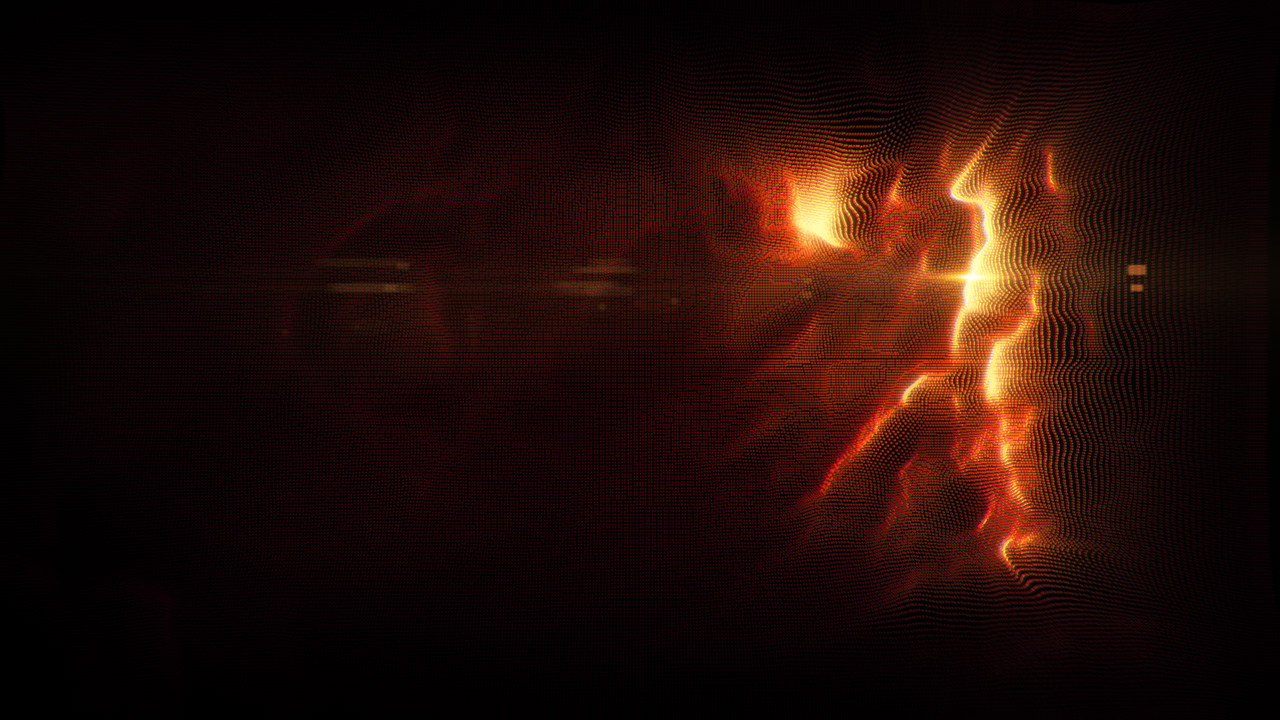
In modern visual effects and motion graphics, creating intricate, organic data fields and 3D point-cloud aesthetics often forces artists into bulky external workflows. Heavy simulation packages, high particle cache files, and complex round-trips can quickly drain render budgets and slow project turnaround times.
Addressing this challenge directly, Richard Rosenman Advertising & Design offers Particle Projection, a dedicated, high-performance After Effects plugin built to generate complex volumetric particle arrays projected entirely through custom displacement layers.
Whether you are designing futuristic telemetry HUDs, holographic volumetric displays, glitch transitions, or generative sci-fi backgrounds, Particle Projection provides an immediate, procedural bridge from 2D luminance maps to multi-dimensional particle point clouds – all within the native Adobe After Effects comp environment.
What Makes Particle Projection Unique?
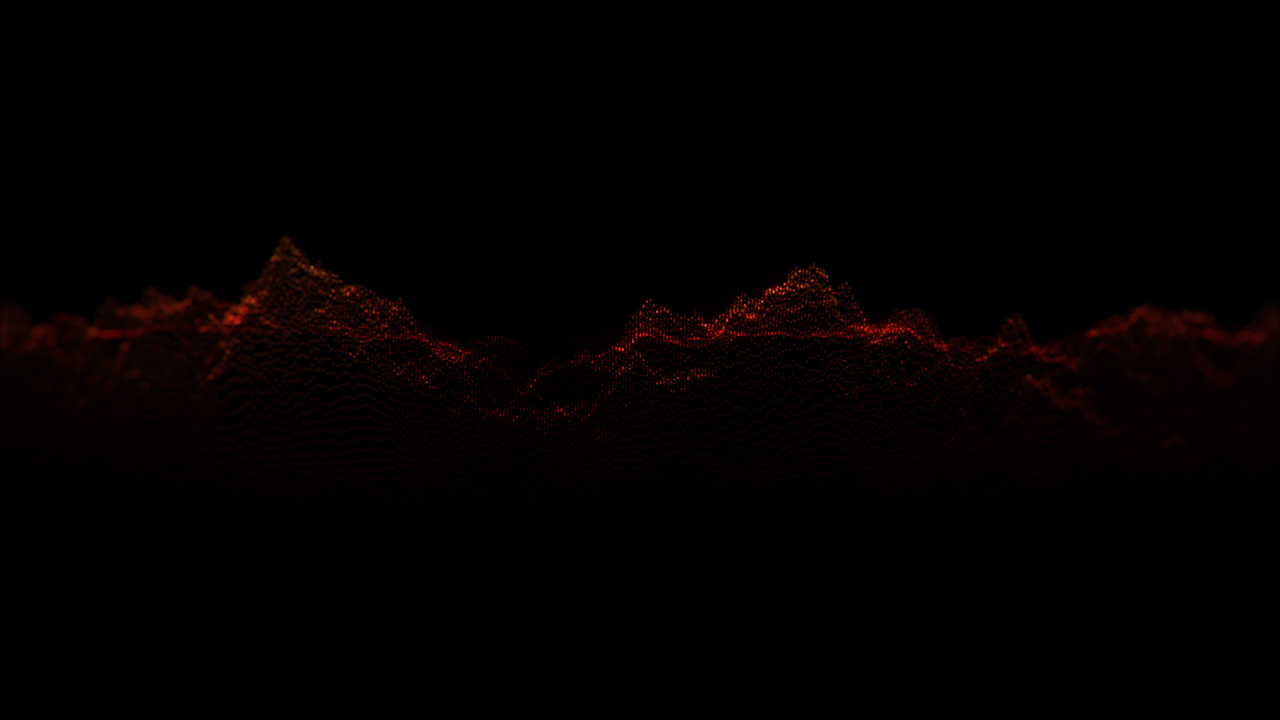
Unlike conventional particle emitters that rely on physics simulations, wind fields, or manual keyframed trajectories, Particle Projection functions as a luminance-driven perspective displacement engine. It populates your screen with an orderly or dense particle matrix and projects each individual point in 3D perspective based directly on underlying grayscale values.
Standard Particle Workflow:               Particle Projection AE Workflow:
Heavy 3D Particles / Point Cloud Caches   Native After Effects Layer / Precomp
  └── Physics Engines & Emitters            └── Evaluates Grayscale Luminance Map
  └── Cache Read/Write Overhead             └── Projects Particles in 3D Perspective
  └── Cumbersome Re-timing & Re-baking      └── 100% Multi-Frame Rendering (MFR)
  └── Disconnected from 2D Layers           └── Live Keyframing & Real-time Iteration
1. Luminance-Driven 3D Projection
The core algorithm is elegantly simple yet infinitely deep: the brighter a pixel value on your assigned displacement layer, the farther that particle is translated along the projection vector in perspective space.
By feeding Particle Projection standard live-action footage, geometric line passes, or procedural native generators like After Effects’ Turbulent Noise, you can instantly generate floating mathematical terrains, kinetic topographical meshes, or digitized liquid fields.
2. Comprehensive Dynamic Parameter Mapping
Particle Projection gives artists surgical control over how structural luminance influences each individual particle:
- Size Mapping: Set particle radii to remain constant, grow larger in brighter displacement regions, or scale up in darker zones via Inverse Displacement.
- Color Mapping & Source Swatches: Tint particles across custom dual-tone gradients (Color A & B), or toggle the Color Source engine to sample colors straight from an imported image or live video feed.
- Transparency Mapping: Modulate alpha levels across luminance ranges to seamlessly feather dense particle clusters into delicate volumetric smoke or mist.
- Sub-Pixel Interpolation: High-precision sub-pixel interpolation handles subtle scaling and position shifts without stair-stepping or raster artifacts.
3. Axis Center, Constraints & Inversion
Where the projection originates makes all the difference. With a fully keyframable Axis Center, you can project particles outwards from an off-screen vanishing point, anchor them to a moving subject, or constrain the effect strictly to the X, Y, or XY axes. Need an inward collapsing black-hole effect? Enable Invert Translation and engage Extend Boundaries to fill the composition edge-to-edge.
4. Normal & Additive Compositing Modes
To capture glowing, holographic neon aesthetics, Particle Projection includes built-in Additive Compositing. Overlapping particles blend their illumination curves together mathematically, producing radiant core highlights while maintaining translucent outer edges. When layered with native AE blend modes, it allows multiple instances of the plugin to be stacked and combined into dense visual hierarchies.
5. Multi-Frame Rendering (MFR) & 16-Bit Precision
Designed for professional post-production pipelines, Particle Projection is 100% Multi-Frame Rendering (MFR) capable, utilizing modern multi-core processors for near-instant viewport feedback and rapid rendering. Furthermore, native support for 16 bits per channel ensures access to 32,768 discrete luminance levels, eliminating the harsh contouring and banding associated with 8-bit displacement maps.
Industry Applications: Animation, Motion Graphics & VFX
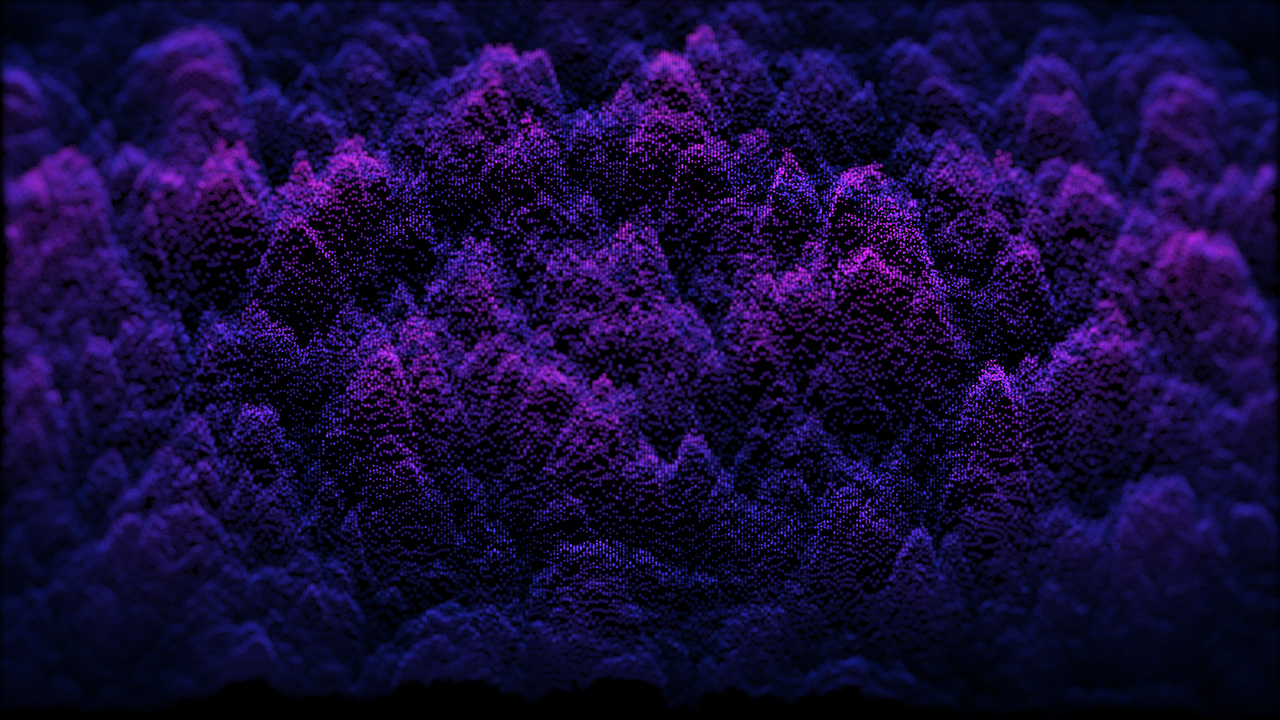
Particle Projection fills an essential role across broadcast design, title work, and commercial post-production:
| Industry Sector | Creative Applications with Particle Projection |
| Motion Design & Broadcast | Holographic title reveals, broadcast channel IDs, kinetic tech backdrops, stylized typography disintegration, and audio-reactive spectrum visualizations. |
| Sci-Fi & Cyberpunk VFX | Volumetric HUD telemetry, futuristic medical biometric scanners, sci-fi computer terminal displays, and security drone scanning feeds. |
| Live Visuals & Concert Graphics | Hypnotic generative particle waves driven by live-action performers, abstract rhythmic loops, and high-contrast ambient festival backdrops. |
| Experimental & Fine Art Animation | Morphing point-cloud portraiture, organic macroscopic biological forms, and simulated electron-microscope scans. |
The Richard Rosenman Plugin Catalog
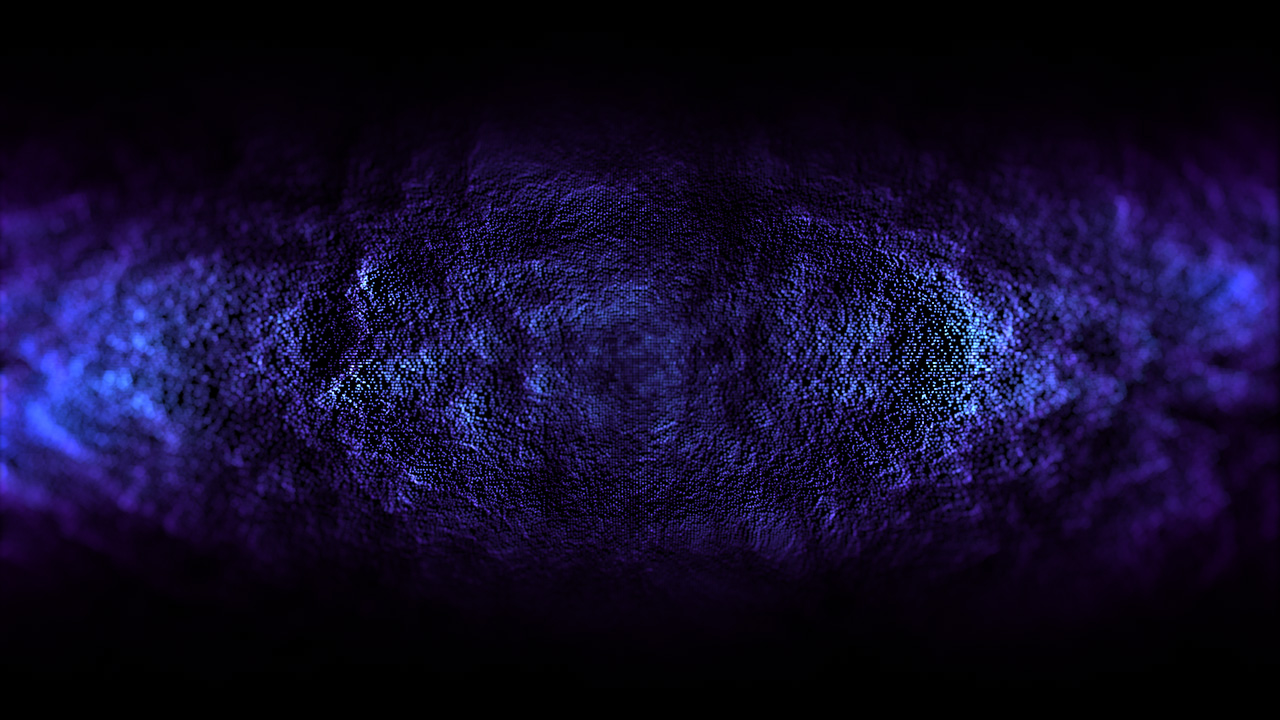
Particle Projection is part of a specialized collection of visual tools developed by Richard Rosenman Advertising & Design. Each plugin is tailored to solve specific production bottlenecks in motion graphics and VFX pipelines:
- Mandelbulb: A GPU-accelerated 3D fractal raymarching plugin that renders distance-estimated Mandelbulb and Julia formulas using native After Effects lights, cameras, and HDRI environment maps.
- DOF PRO (Depth of Field Generator PRO): The industry standard for post-render optical depth-of-field simulation, featuring custom aperture bokeh, optical vignetting, spherical aberration, and preservative highlights.
- IK Studio: A specialized, high-speed 2D inverse kinematics solver that eliminates complex expression setups for character animators working inside After Effects.
- Motion Mosaic: A compositing plugin that assembles custom mosaic patterns from footage layers or graphic icons, dynamically driving rotation, scale, and animation timing from the source brightness.
- Box Fitting: A procedural packing algorithm that tiles canvas compositions with non-overlapping geometric blocks and custom imagery for experimental art and UI design.
Elevate Your Particle Toolkit
If you are looking to turn flat 2D layers, textures, and video feeds into rich, multi-dimensional particle fields without leaving your comp, Particle Projection is a versatile and lightweight solution for your motion toolkit.
- Compatibility: Adobe After Effects CS6 and higher (including modern Creative Cloud versions on 64-bit Windows OS; 100% MFR-supported).
- Availability: Free demo and commercial licenses available at the Richard Rosenman Particle Projection Product Page.